Dine-in service
Organise orders by table, take orders wirelessly and send them to a kitchen display. Handle split bills, service charges and tips.
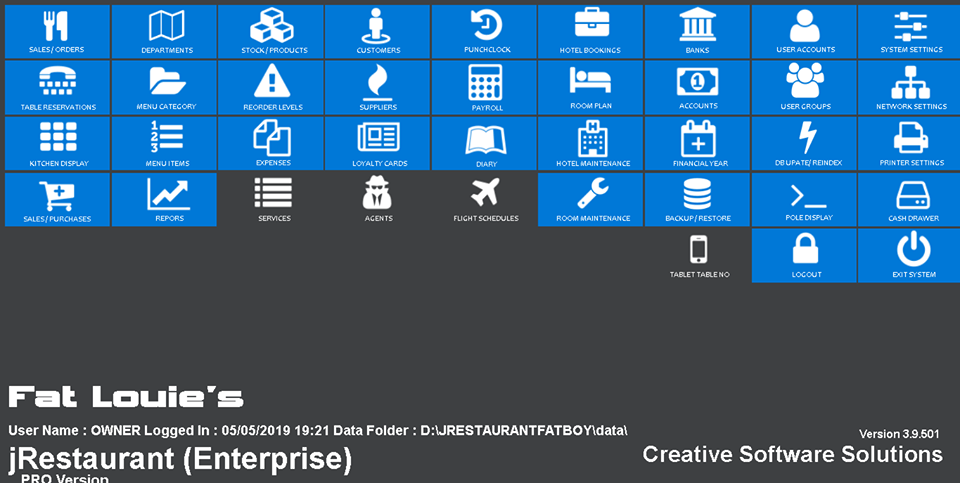
On-premises POS for restaurants, bars and takeaways. Take orders, keep the kitchen in sync and close out service.
One-time lifetime licence
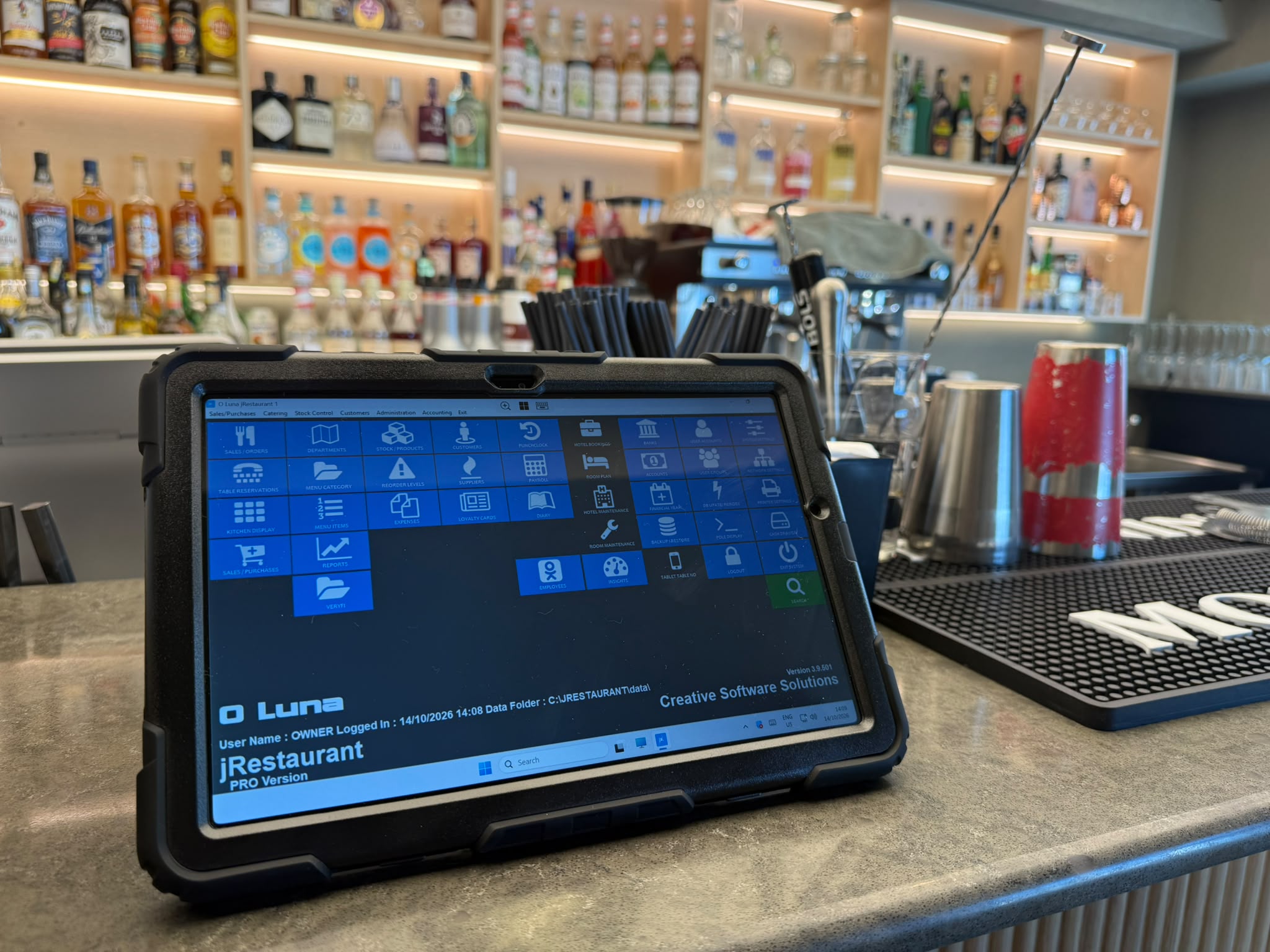
Organise orders by table, take orders wirelessly and send them to a kitchen display. Handle split bills, service charges and tips.
Use dedicated service modes for bar, takeaway and delivery orders. Ask about connecting online orders to the POS.
Manage recipes and stock, review sales and cashier reports, and run X and Z readings at the end of a shift.
Features vary by edition. Tell us which workflows you need when you request a quote.
Set up ingredients as stock items and define the quantities used in each recipe. Link recipes to menu items to track the ingredients behind each dish.
Review stock quantities and run stocktakes to compare recorded balances with what is actually in the kitchen or storeroom.
Keep supplier records and record purchases alongside your stock and expenses. Review where the kitchen is spending and what needs replenishing.
Ask which inventory and purchasing features are available in your edition.
With the delivery integration configured, incoming orders appear in jRestaurant. Staff can accept or reject the order and enter an estimated completion time from the POS.
Connect a supported online ordering service such as RestaJet so web orders can come into jRestaurant alongside takeaway and delivery orders.
Ask about availability for your country, delivery accounts and ordering provider.
Assign purchases to expense categories using nominal codes. Separate food and beverage purchases from overheads such as utilities and fuel. Use supplier defaults to keep recurring purchases categorised consistently.
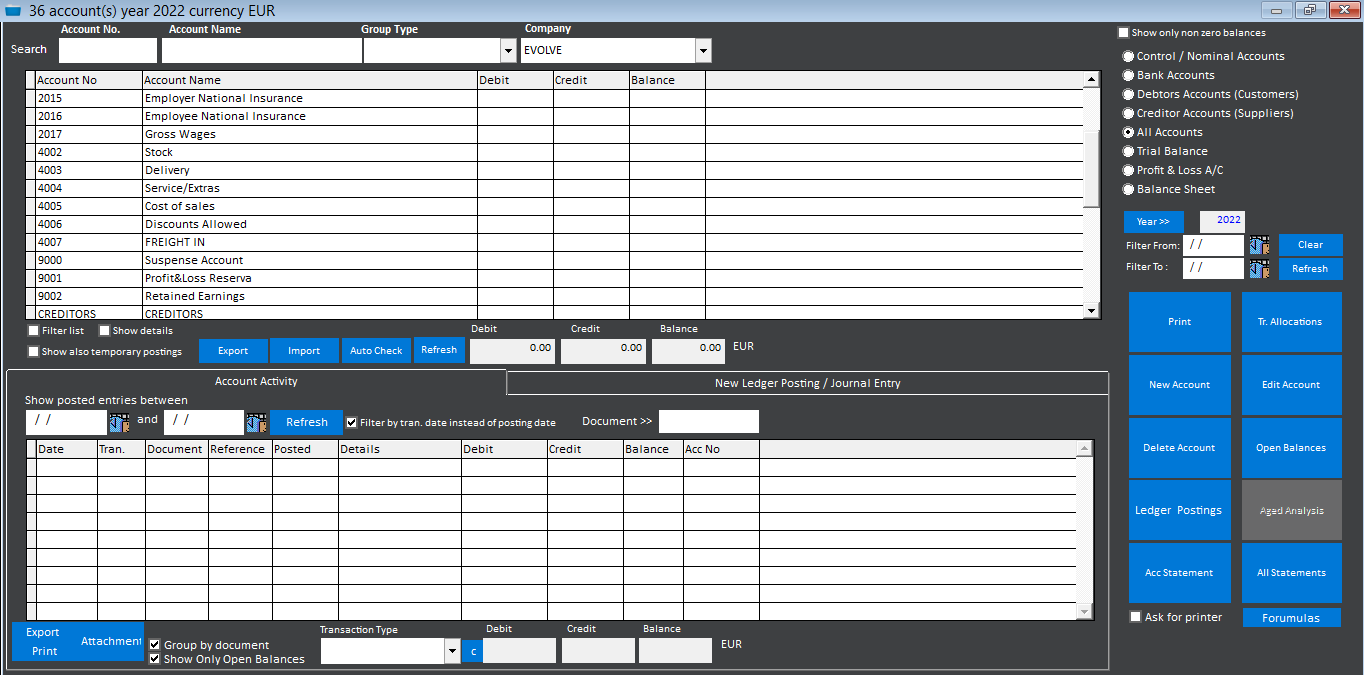
Use the chart of accounts to organise sales, purchases, debtors and creditors. Configure how supported transactions post, enter manual journals and reconcile bank activity.
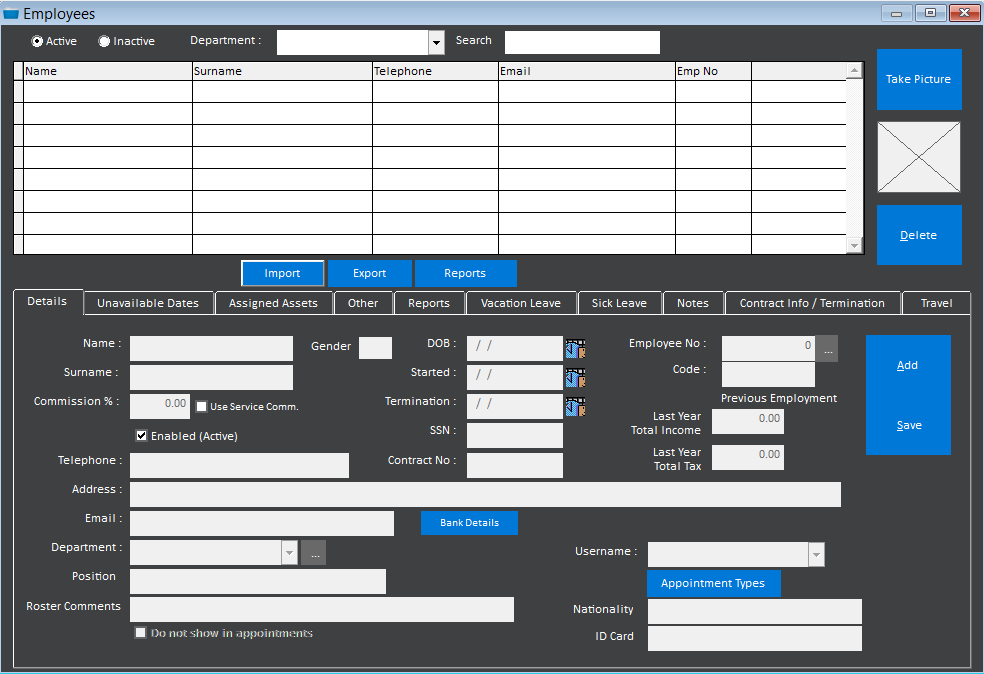
Keep employee records, track leave and generate wages from fixed hours or punch-clock records. Discuss your payroll configuration and local requirements when requesting a quote.
Accounting and payroll are edition-dependent. Include your reporting and pay-run needs when requesting a quote.
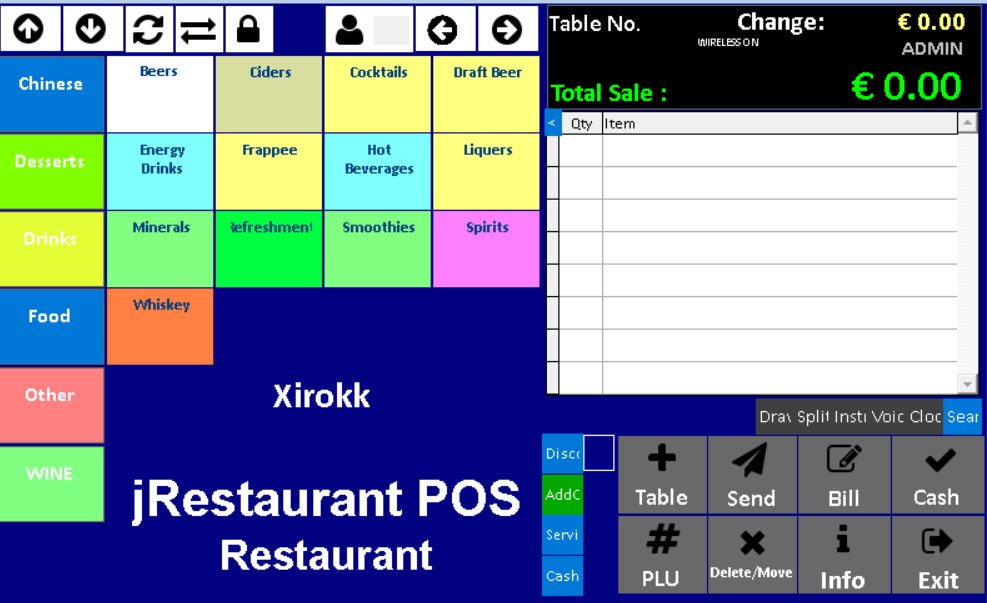
Explore wireless order taking and other restaurant workflows on the Creative Software Solutions channel.
jRestaurant is installed on premises with a one-time lifetime licence fee. Your quote can cover the edition and any installation, training or support you need.
Yes. Ask us about tills, receipt printers and other equipment for your setup. Let us know what you already own so we can discuss compatibility.
jPOS is our cloud POS and ERP subscription.
Tell us what kind of venue you run, how many tills you need and whether you want wireless order taking, kitchen displays or delivery integration.